
HTTP Header Key Case Converter Examples:
“content type” → “Content-Type”
“x powered by” → “X-Powered-By”
“accept language” → “Accept-Language”
“strict transport security” → “Strict-Transport-Security”
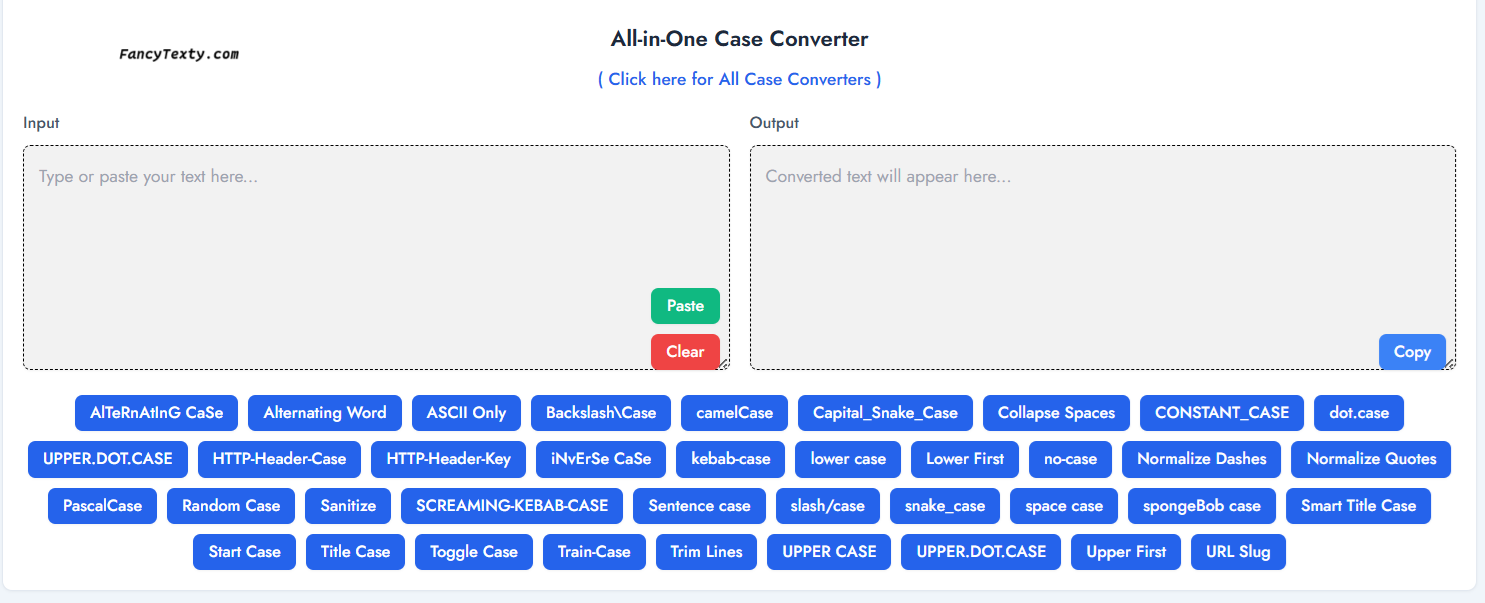
This style capitalizes key words and connects them with hyphens to build structured technical labels. A line like “content type details” becomes “Content-Type-Details,” making it ideal for API notes, programming documentation, and system-level configuration guides.
Backend systems benefit from this clear labeling because it improves readability in logs and request headers. A field like “cache control rules” becomes “Cache-Control-Rules,” forming familiar patterns understood universally across web developers and server administrators.
It emphasizes the relationship between grouped technical terms. A phrase such as “server status update” converts into “Server-Status-Update,” helping teams quickly locate and understand configuration points within large documentation sets.
This format is useful when writing backend guides, especially when listing features or protocols. For instance, “request timeout limit” becomes “Request-Timeout-Limit,” presenting a clear, standardized label across various API explanations.
Many developers use this structure for folder names or organized project sections. “main error handler” becomes “Main-Error-Handler,” making folder hierarchies clearer and easier to scan when working with large codebases or technical assets.
It’s also extremely useful for making structured notes in technical research. A phrase like “security policy page” becomes “Security-Policy-Page,” giving headings a recognizable shape used widely in documentation across engineering environments.
FAQs
Why do server fields use structured names like “Accept-Language” or “User-Agent”?
These names clearly separate concepts. A phrase like “cache control settings” becomes “Cache-Control-Settings”, which is easier to understand in configs.
Is this pattern widely used across APIs and backend communication systems?
Yes, headers such as “Content-Type” or “X-Powered-By” follow this style, making data exchange more readable and standardized.
Does this formatting help keep documentation clear for teams working on large systems?
Absolutely. It turns lines like “request timeout policy” into “Request-Timeout-Policy”, offering consistency and clarity.
Can this structure be useful for labeling folders or sections in technical notes?
Yes, names such as “Server-Status-Today” or “Error-Log-Report” stay organized and easy to identify.
This Article and Tool is related to HTTP Header Key Case,HTTP Header Key Case Converter and HTTP Header Key Case, HTTP key formatter, Content-Type header style, Fancy Texty HTTP Header Key Case, API case converter, copy and paste http headers
HTTP Header Key Case Converter – “Fancy Texty Example” → “Fancy-Texty-Example”. Copy and Paste this header keys result anywhere you need neat text, fast and easy online.
Click here for Fancy Texty Generator and All Case Converters
Check here for the Letter Case Wiki.